Scrolling timeline
Swipe manually or auto-scroll forward through time.

History timeline
An interactive kiosk that shows milestones, events and accomplishments on a horizontal scrolling timeline. Each card has a year, name, description and photo. Visitors swipe through or let it auto-scroll.
Talk to the Custom Solutions team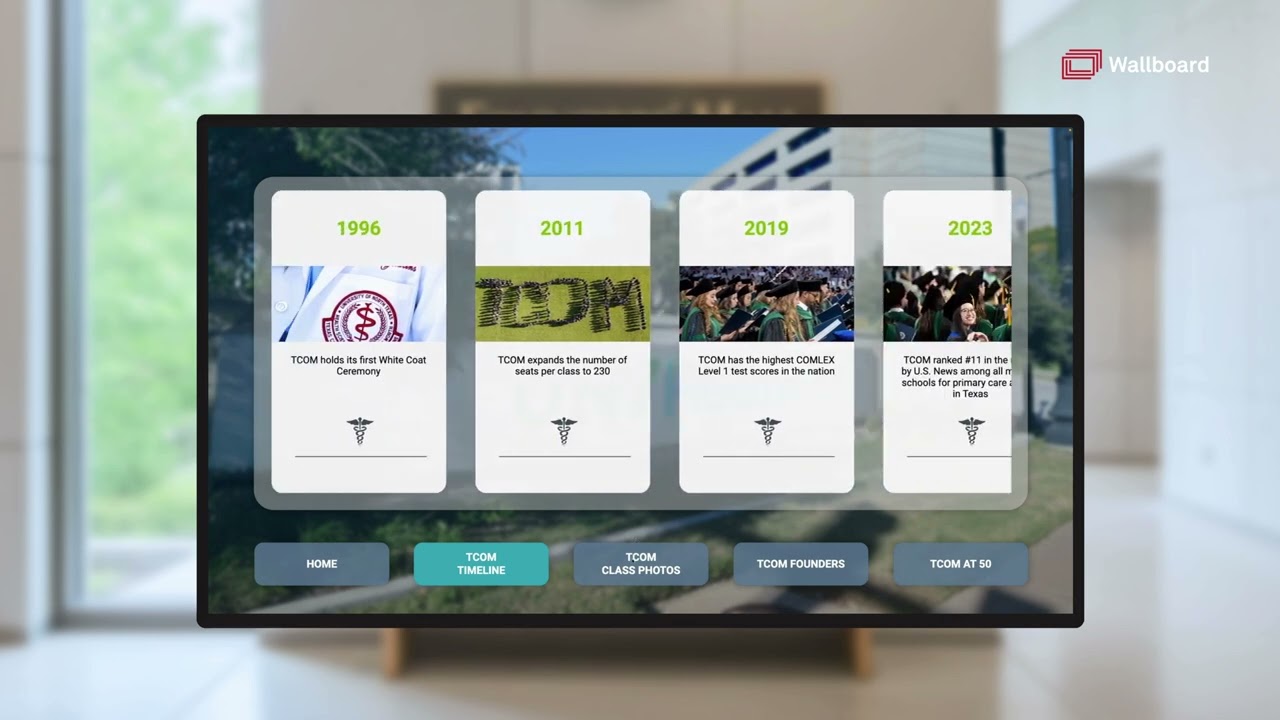 From the demo video
What it is
Tap any event for a detailed view with a summary and an image gallery.
Optionally add a yearbook catalogue with pages for browsing class photos by decade. Staff manage it all in a spreadsheet-like interface.
How it works
Key features
Swipe manually or auto-scroll forward through time.
Year, name, description and photo on every card.
Summary text and a pop-up image gallery with arrow navigation.
Optional catalogue of scanned yearbooks, class photos or notable figures.
Optional video pages, kept separate from the main timeline.
Configurable screensaver with logo or auto-scrolling timeline, and adjustable idle timeout.
Who it is for
Typical customers.
Problems it solves.
Gallery
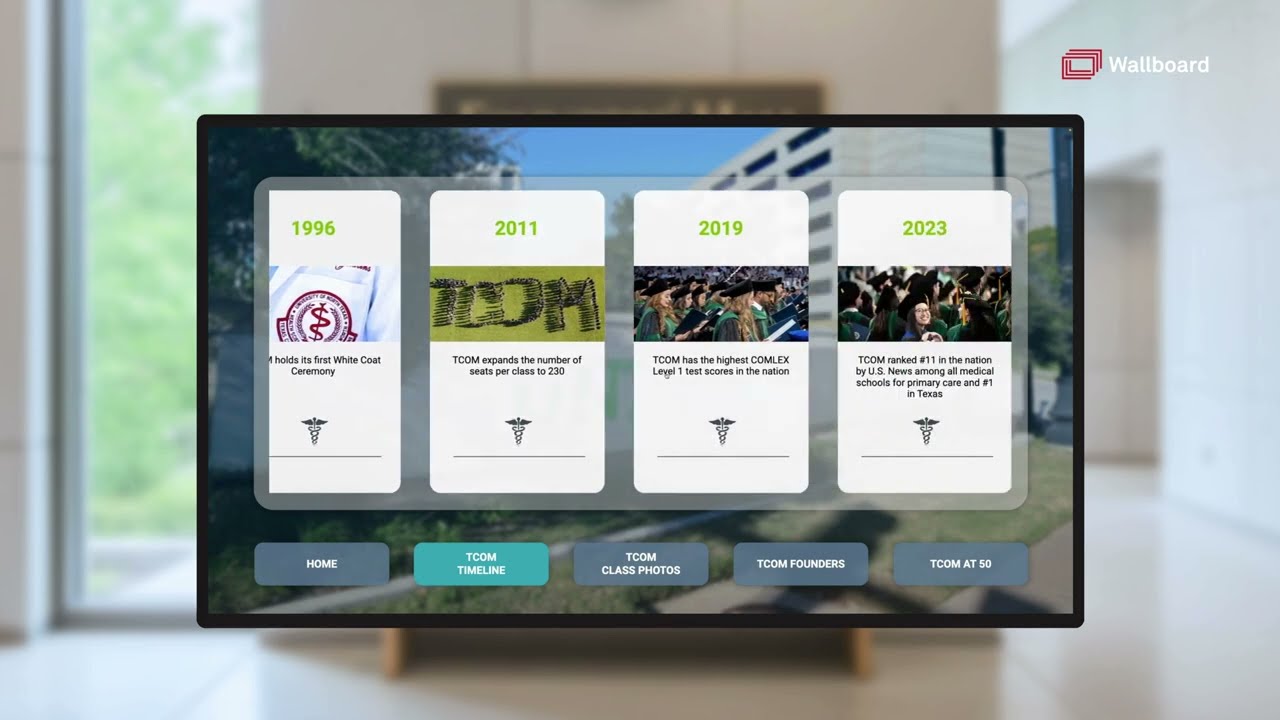
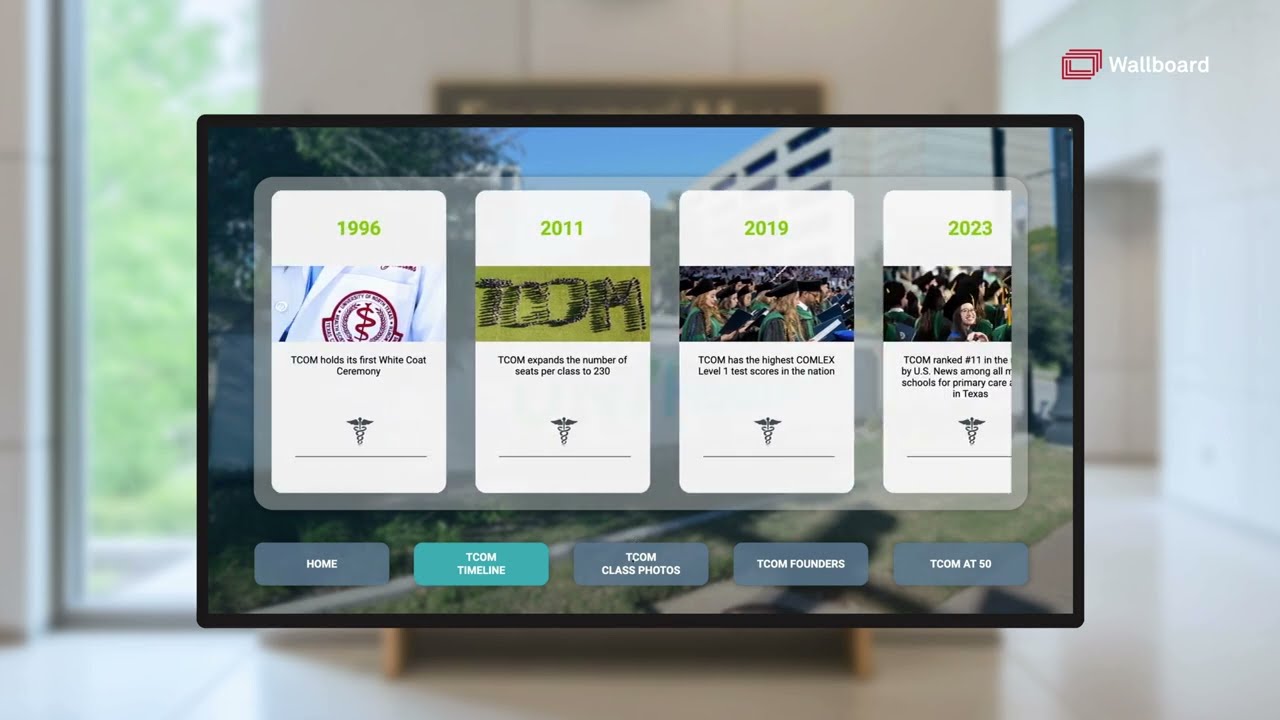
Stills from catalogue demo video https://youtu.be/Qr6kJX5SwEk (opens in a new tab)
Integrations
Timeline entries live in the datasource; video pages and yearbook carousels are edited in Wallboard’s editors.
Events across many rooms in one list. Syncs from calendar or event systems.
Suite name and the group inside it, with optional sponsor zones that can carry advertising. Update per game or from a calendar.
A dual-screen kiosk for donors, campaigns and impact stories, fed from a spreadsheet or internal data source.
Our Custom Solutions team designs, builds and delivers it with you.