Government and public sector
Public notice boards fed from your agenda platform, plus public alert feeds through CAP.

Other industries
Not every sector needs its own playbook. Town halls, stadiums, contact centers and museums all need screens that stay current, stay on brand and stay online. Wallboard runs them the same way it runs every network, and our services team has ready-made solutions for the jobs these sectors share.
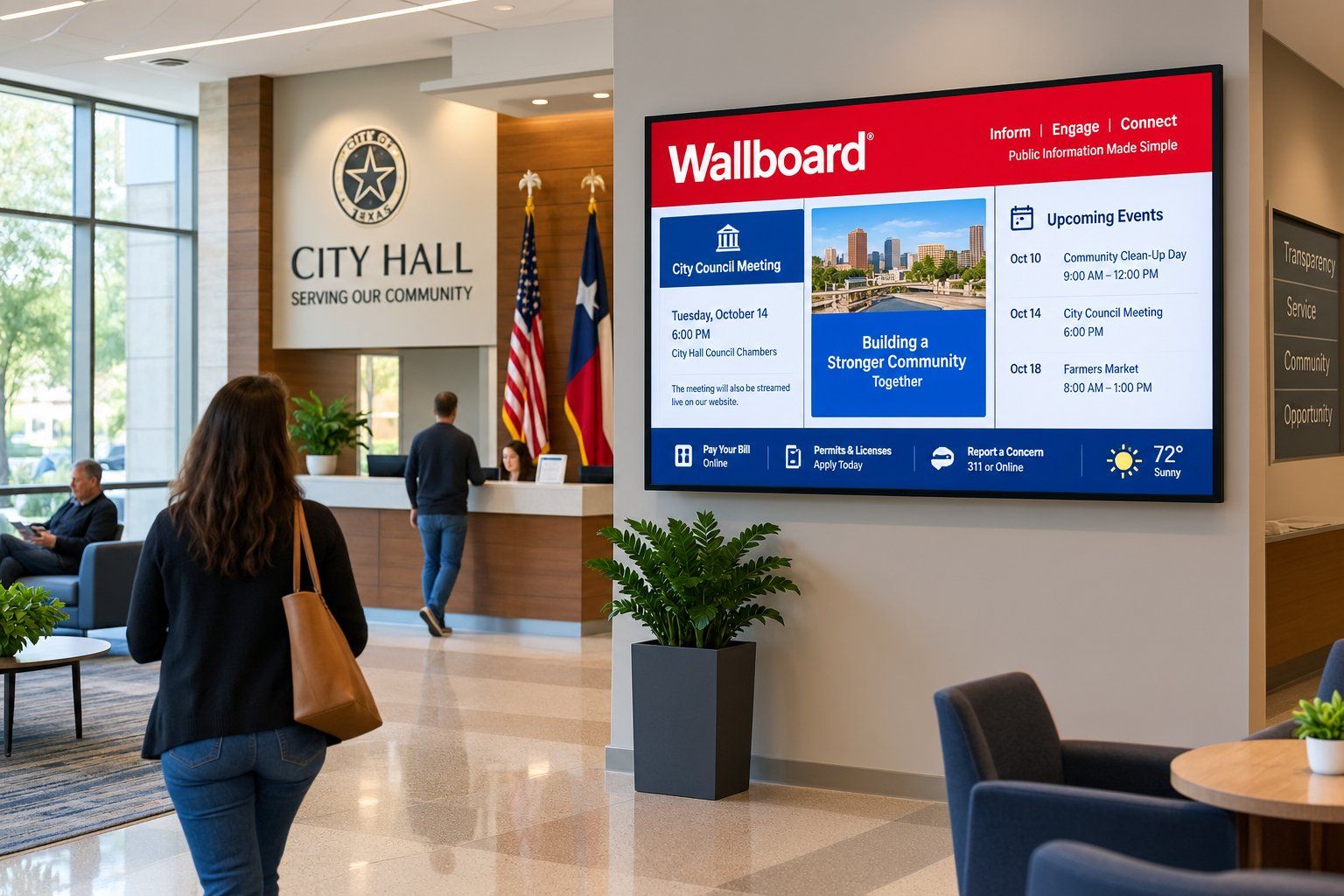








Public notice boards fed from your agenda platform, plus public alert feeds through CAP.
Event readerboards, suite door cards and concourse screens for game days and events.
Live queue and performance dashboards from JSON feeds, databases or Power BI.
History timelines, donor walls and gallery screens from our tailored solutions catalogue.
Class schedules from a calendar or spreadsheet, plus member news and offers.
Whatever the sector, the platform underneath stays the same. You manage every screen from one console, with device health, working hours and remote updates. You decide who can publish what, with roles and locked templates. And screens can update themselves from the calendars and systems you already keep.
When a job needs more than the standard setup, our tailored solutions cover common requests such as public notice boards, event readerboards and donor walls, set up on your own data.
Agenda platforms for public notice boards, and CAP datasources for public alert feeds.
JSON, XML, JDBC and Power BI for live numbers on screens.
Microsoft 365 and Google calendars, Excel and Google Sheets.
Android, Windows, BrightSign, Samsung, LG and ChromeOS players, plus video walls.
Very likely. The platform is the same in every sector. Tell our team what your screens need to do and we will show you how.
Yes. Our services team scopes custom datasources and solutions as project work, with a written scope before anything starts.
Yes. The CAP datasource reads public alert feeds by polling or by callback. It needs some technical setup.
Describe your sector and your screens, and we will show you the setup that fits.