Dual-screen layout
Portrait touch navigation beside a landscape content display.

Donor wall
An interactive, dual-screen donor recognition kiosk that showcases contributions, initiatives and leadership. A portrait touch panel handles navigation; a landscape display shows donor directories, photos, videos and programme information.
Talk to the Custom Solutions team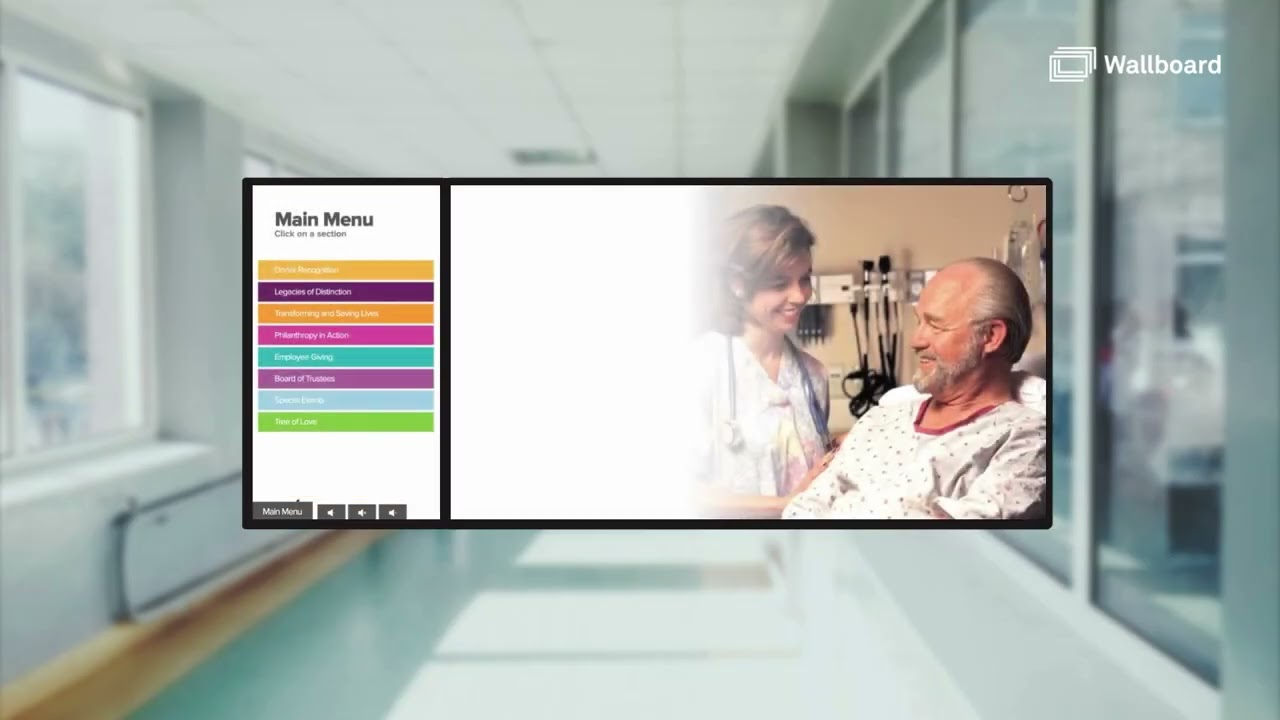 From the demo video
What it is
When idle, the kiosk auto-scrolls through content to draw people in. When someone touches it, a main menu lets them explore each section.
Staff update donors, tiers and content in Wallboard or in Excel and Google Sheets, without specialist training or a redesign.
How it works
Key features
Portrait touch navigation beside a landscape content display.
Up to eight donor tier categories, with pagination and optional auto-scroll.
Giving tiers, legacy giving, leadership, initiatives, programme highlights, events and impact videos.
Content cycles when idle and returns to passive after a configurable timeout.
Link visitors to donation or campaign pages.
Location-specific content variations, fully branded to your identity.
Who it is for
Typical customers.
Problems it solves.
Gallery
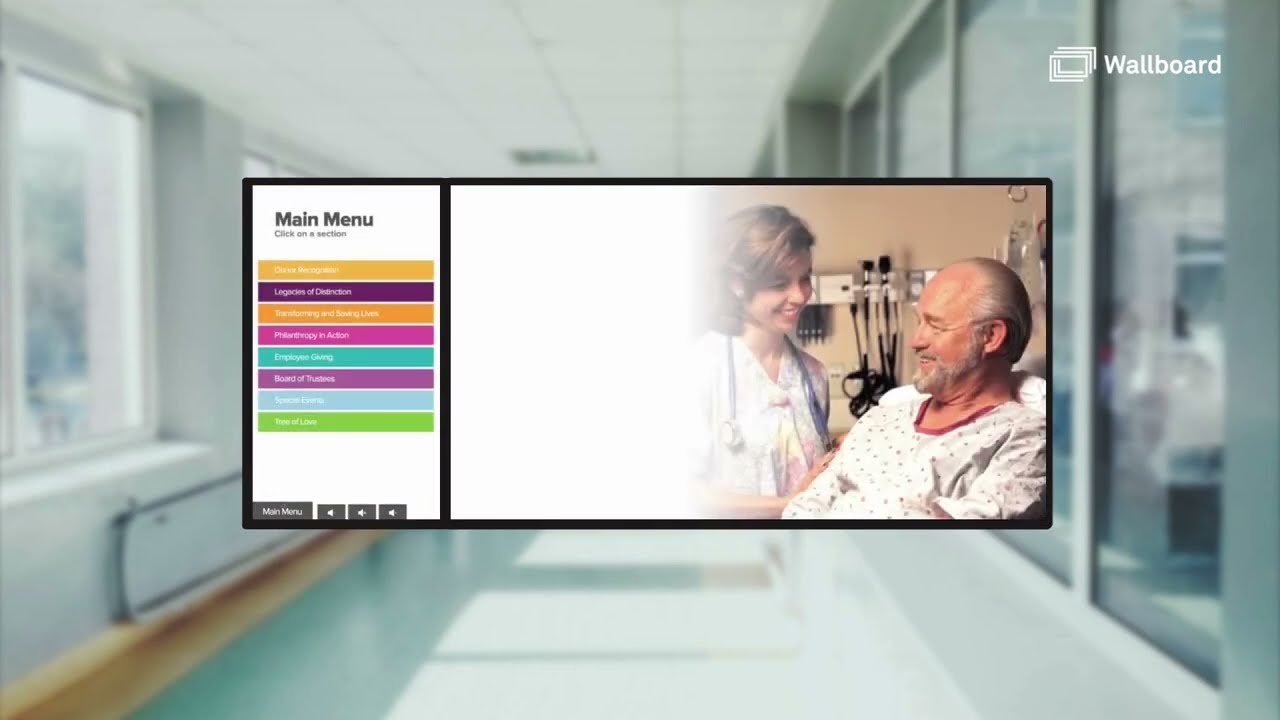
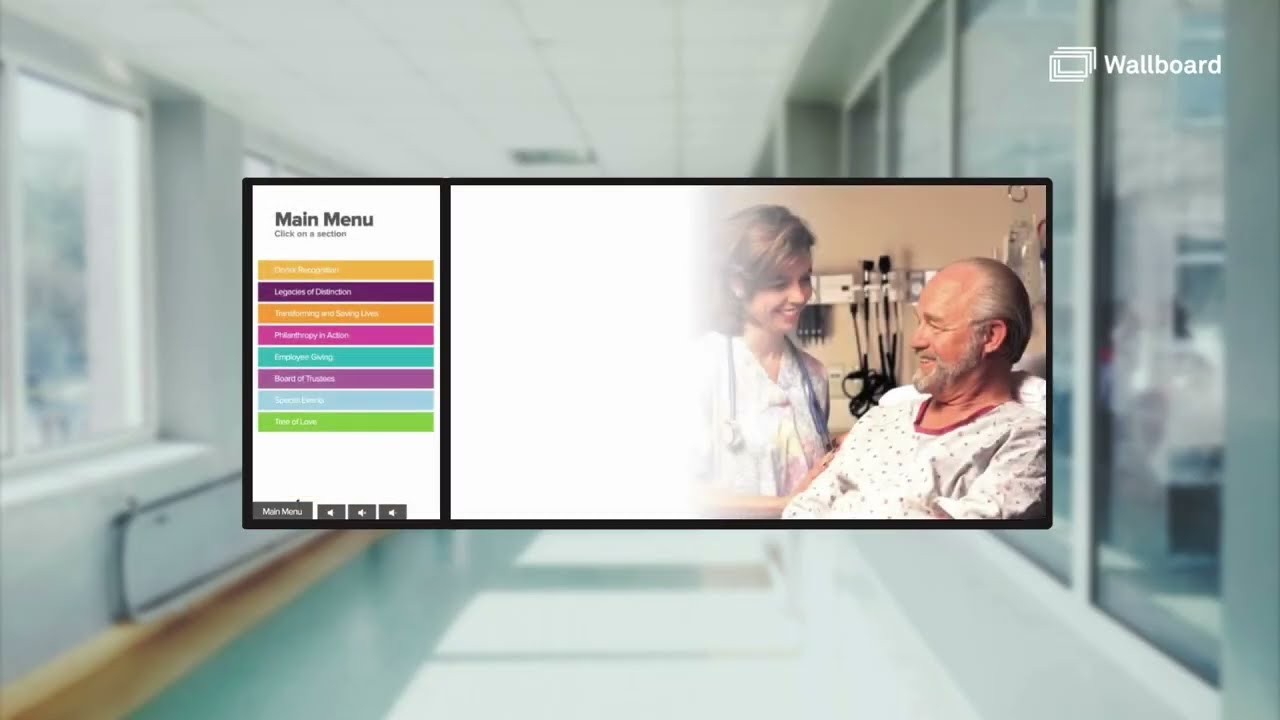
Stills from catalogue demo video https://youtu.be/Nnv10TeNlUI (opens in a new tab)
Integrations
Changes flow to the kiosk on a regular sync schedule or when data is saved.
Events across many rooms in one list. Syncs from calendar or event systems.
Suite name and the group inside it, with optional sponsor zones that can carry advertising. Update per game or from a calendar.
Archive photos and key dates on a swipeable timeline. Optional yearbooks by decade.
Our Custom Solutions team designs, builds and delivers it with you.