Campus news and events
Pull news from SharePoint and events from Microsoft 365 or Google calendars, so screens update when the source does.

Higher education
A campus is dozens of organizations sharing one set of walls. Admissions, athletics, the library and every school want their own screens and their own time on the shared ones. Wallboard runs the whole campus as one network, so central IT keeps the devices healthy and each department posts to the screens it has been given.
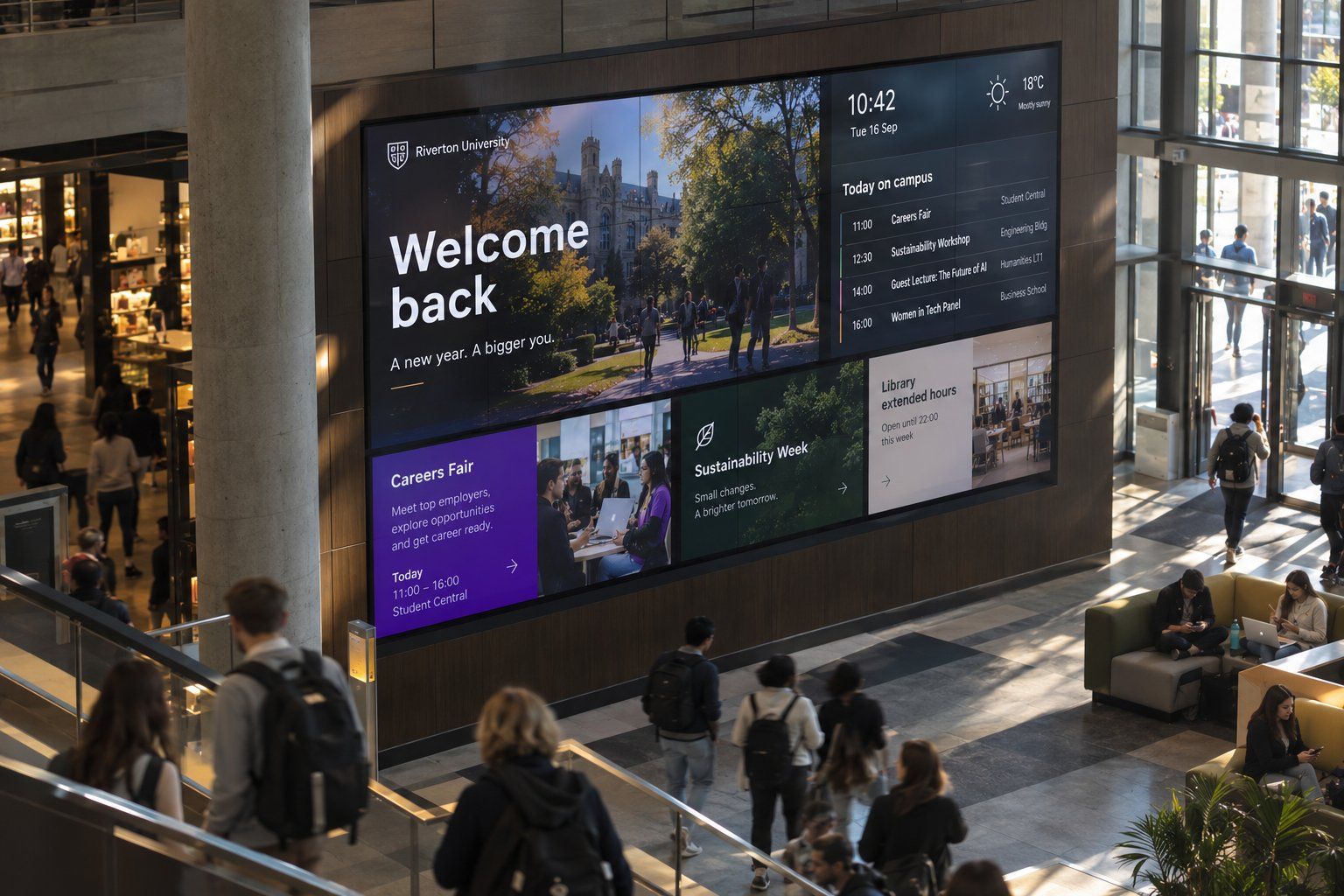








Pull news from SharePoint and events from Microsoft 365 or Google calendars, so screens update when the source does.
Give each school or office its own team and screens, with no way to post to anyone else’s.
Channels let an administrator set who can publish, how much screen time each gets and where it plays.
Floor and room listings driven from an Excel sheet, so a room change is one edit in one file.
Switch on Emergency Mode for one building or the whole campus, with content assigned ahead of time.
Halls of fame and donor walls from our tailored solutions, set up on your own records.
Central IT stops chasing screens. Every device reports in to one console, grouped in folders by building, with working hours, scheduled reboots and app updates set once for the whole group.
Departments stop waiting on central teams. They post to their own screens inside the limits an administrator sets, and shared screens balance everyone’s content automatically instead of by email negotiation.
Communications gets a record of what played. Proof of Play reports show what ran on which screens and when, which helps when a sponsor or a dean asks.
Calendars, SharePoint news, Excel and Google Sheets connect as datasources and refresh on a schedule.
Staff sign in through your identity provider with SAML, and roles can map from directory attributes.
A CAP datasource can bring public alert feeds onto screens. It needs some technical setup.
Android, Windows, BrightSign, Samsung, LG and ChromeOS players, plus e-paper for low-power spots.
Yes. Put each department in its own team with its own devices and content. A department editor sees only what belongs to that team.
Use a channel. An administrator decides who can publish to it, how much time each publisher gets and which screens it plays on. Wallboard balances the content between them.
Yes. Assign emergency content to a folder of devices ahead of time. It shows only when Emergency Mode is switched on.
Often not. Wallboard runs on Android, Windows, BrightSign, Samsung, LG and ChromeOS players. Our team can check what you have.
See how central teams and departments share one set of screens without stepping on each other.