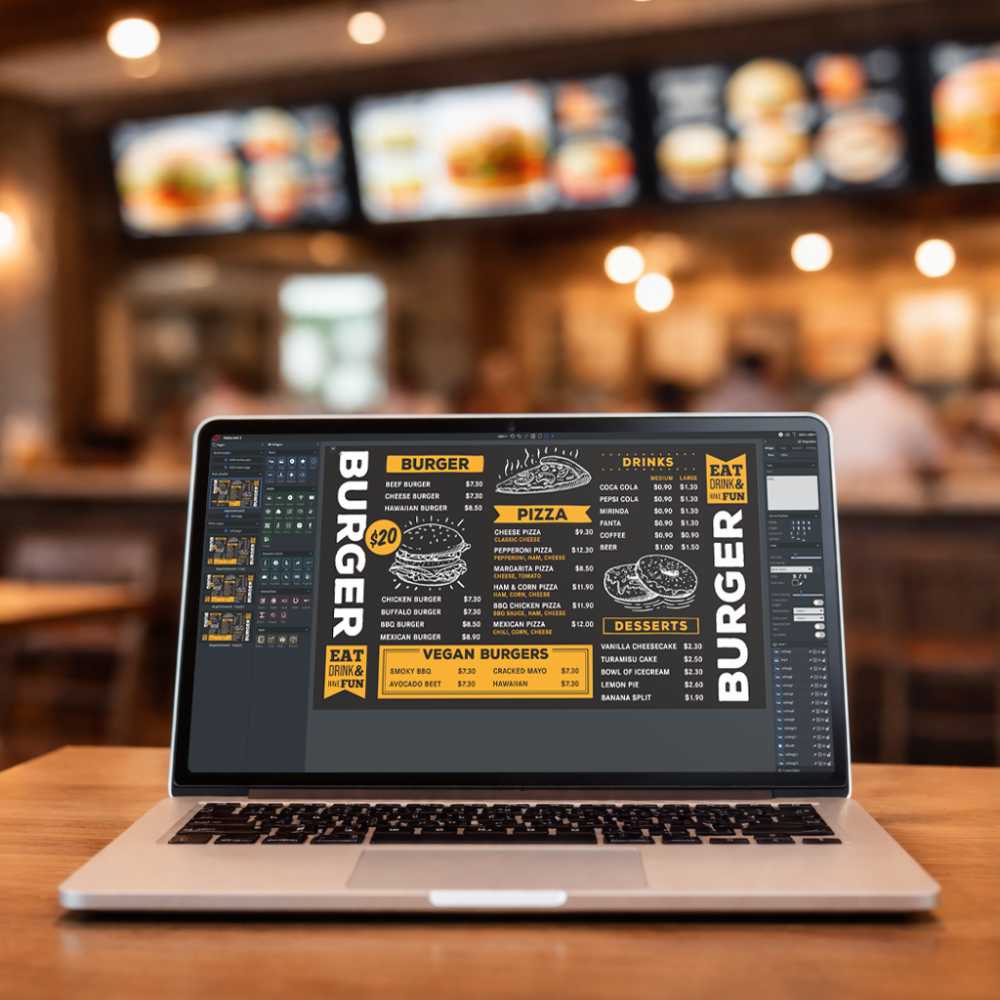

You see it at airports, restaurants, offices, and even bus stops - those sleek screens showing menus, dashboards, or ads. That’s digital signage. But how exactly does it work, and why should your business care?
Let’s break it all down.
What Exactly Is Digital Signage?
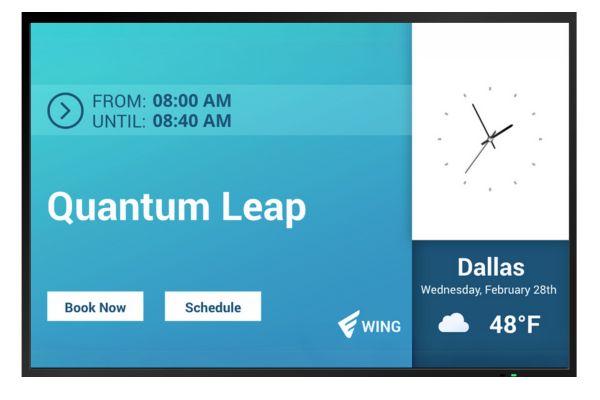
Digital signage refers to the use of digital screens - like LCD, LED, or projection displays - to share information with an audience. This content is managed remotely using a content management system (CMS) and typically includes graphics, video, or real-time data.
Instead of printing signs or posters, you can update digital signage instantly from anywhere. That makes it ideal for dynamic communication in public spaces or business environments.
Why Should Businesses Use Digital Signage?
Here are a few reasons digital signage stands out:
- It captures attention - 90% of the information our brains process is visual.
- It improves ad recall and engagement more than traditional print media.
- It lets you deliver targeted, real-time content at scale.
- It’s easier to manage and more flexible than physical signage.
Whether you run a retail store or a hospital, digital signage can help you connect with your audience in a faster, smarter way.

What Makes Up a Digital Signage System?
A digital signage solution has three main components:
1. Hardware
This includes screens, media players, mounts, and any accessories used to display content.
2. Software
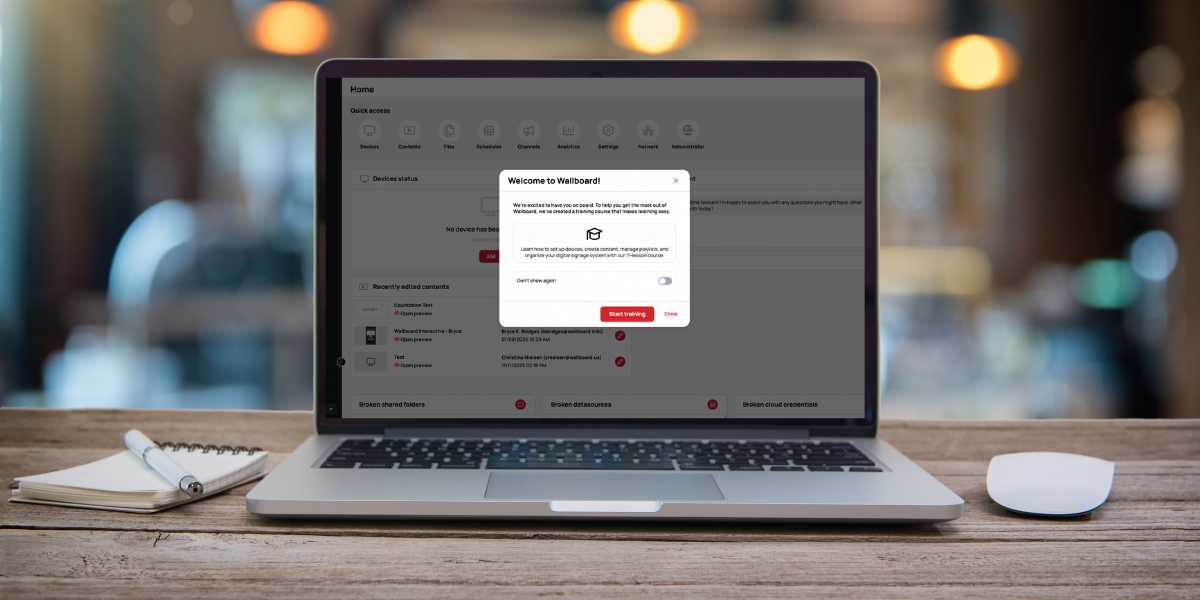
The CMS is your control center. It’s where you create, schedule, and manage what shows up on each screen.
3. Network & Connectivity
Internet connections, Wi-Fi routers, switches, and extenders allow remote management and content delivery.
What Kind of Hardware Do You Need for Digital Signage?
What Does a Media Player Do?
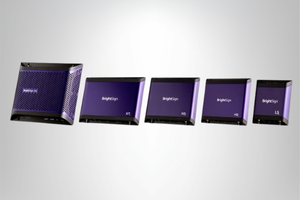
Media players are the bridge between your content and your screen. They store and play your content based on the instructions from your CMS. The more advanced your content (think 4K video or dynamic playlists), the more powerful your media player needs to be.
Recommended options:
What Screens Work Best for Digital Signage?
You can use LCDs, LEDs, video walls, SoC's (System-on-Chip) or even projectors depending on your setup. The right screen size and resolution will depend on your location, distance from viewers, and budget.
Popular formats include:
- Video walls for high-impact areas
- Projectors for larger spaces
- Commercial-grade 4K monitors
What Are SoC Displays and Why Choose Them?

SoC (System on Chip) displays combine the screen and media player into one device. They’re ideal for simpler deployments or locations with limited space.
Why businesses choose SoC displays:
- Fewer devices to manage
- Lower power use
- Easy to install and maintain
- Still supports dynamic and interactive content
Recommended SoC manufacturers:
- Sony
- Samsung
- Philips
- LG
- XPO Screens
- Bluefin
- Elo Touch
What About Mounts and Stands?
Mounting your screens securely is just as important as choosing the right display. Look for heavy-duty mounts designed for commercial environments.

What Does Digital Signage Software Do?
A digital signage CMS is where you:
- Create content layouts
- Schedule updates
- Monitor screen health
- Integrate data (e.g., weather, KPIs, menus)
Some CMS platforms (like Wallboard) offer drag-and-drop editors, real-time content syncing, and support for multiple user roles. That means anyone on your team can update content without IT support.
How Does Networking Fit Into the Equation?
All your hardware and software needs to connect via the internet or local network.
Depending on your setup, you may need:
- Wi-Fi routers
- Ethernet cables
- Network switches or hubs
- Signal boosters or extenders
With everything online, your signage network can scale to hundreds - or even thousands - of screens globally.
What Types of Digital Signage Are There?
1. Digital Posters
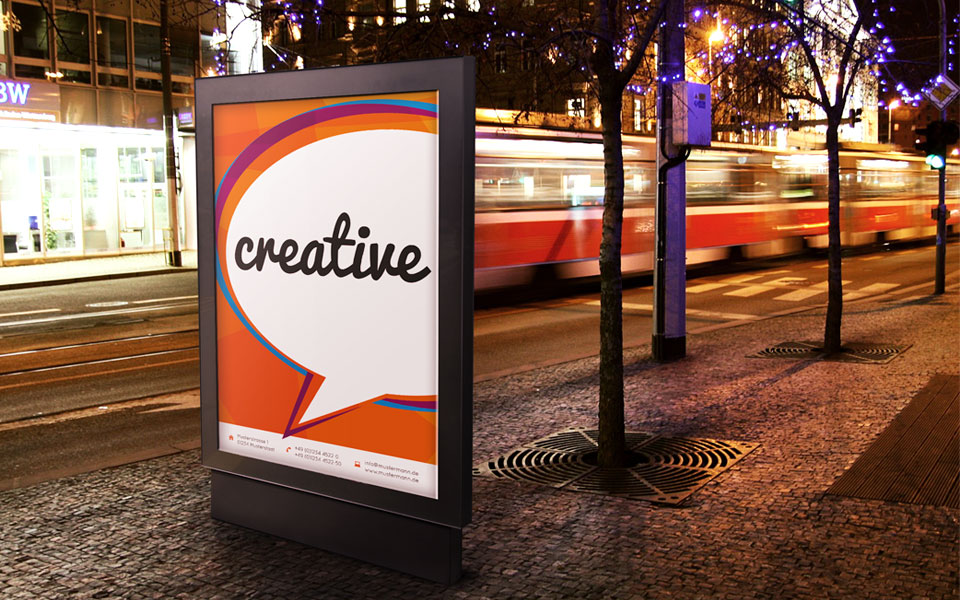
Static images or slideshows loop on-screen - ideal for menus, ads, or announcements.
Examples:
- Restaurant menu boards
- Promotional slides in retail
- Office announcements in lobbies
Read more: What are digital posters and how can you make one?
2. Video Display Screens
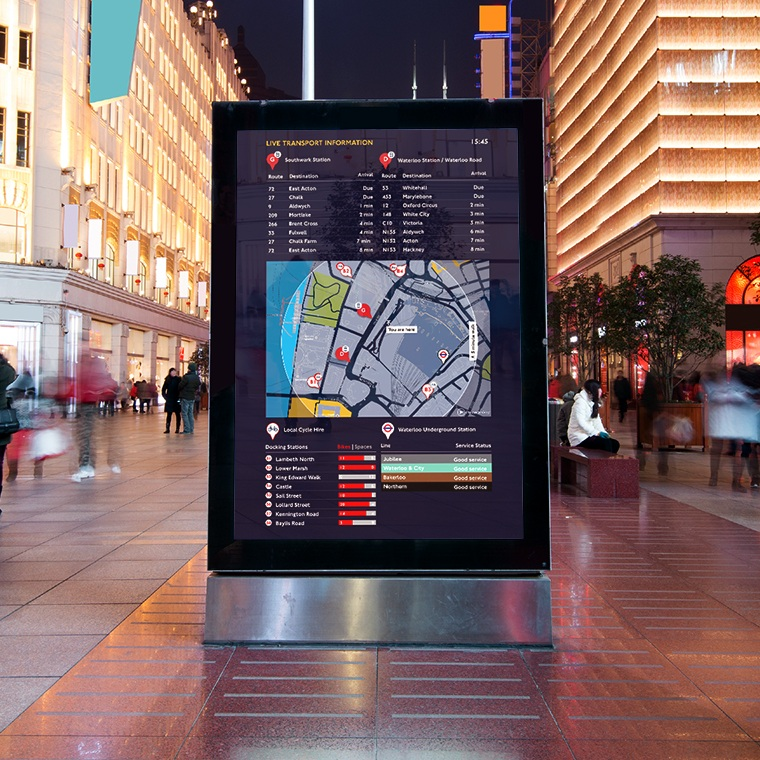
These use video, animation, or real-time data to draw attention. You’ll find them in airports, malls, and transit hubs.
Examples:
- Weather forecasts
- Sales leaderboards
- In-store promotions
3. Interactive Digital Signage
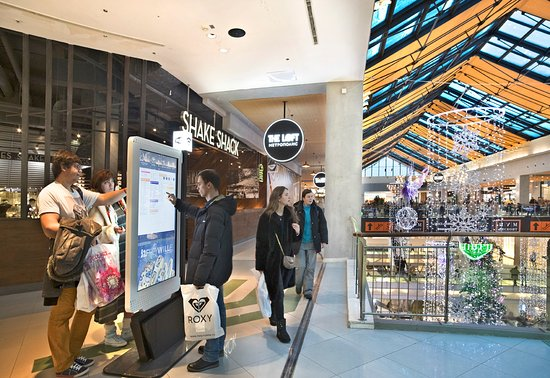
Touchscreens or sensors let users engage directly with the screen.
Examples:
- Wayfinding maps
- Self-service ordering kiosks
- Interactive product catalogs
4. Outdoor Digital Signage
Built to withstand the elements, outdoor displays appear on buildings, streets, and transit systems.
Examples:
- Digital billboards
- Bus stop info panels
- Event livestreams at stadiums
Who’s Using Digital Signage the Best?
Healthcare

Hospitals use signage to improve communication, guide patients, and ease wait-time frustration.
Common placements:
- Waiting areas
- Exam rooms
- Cafeterias
- Building directories
Read more: Digital Signage for Healthcare
Retail

Retailers use digital signage to influence customer behavior, highlight deals, and streamline navigation.
Use cases:
- Point-of-sale promotions
- Interactive product displays
- Digital décor
Read more: Digital signage for Retail
Hospitality
Hotels, resorts, and casinos use signage for check-in help, event info, and guest services.
Seen in:
- Lobbies
- Elevators
- Self-check-in counters
Read more: Digital singage for Casinos
Restaurants

Digital menu boards, self-order kiosks, and promotional displays are now standard in QSRs.
Locations:
- Above order counters
- Drive-thru lanes
- Dining room screens
Read more: These menu board ideas can help you get the most out of digital signage
Financial Services
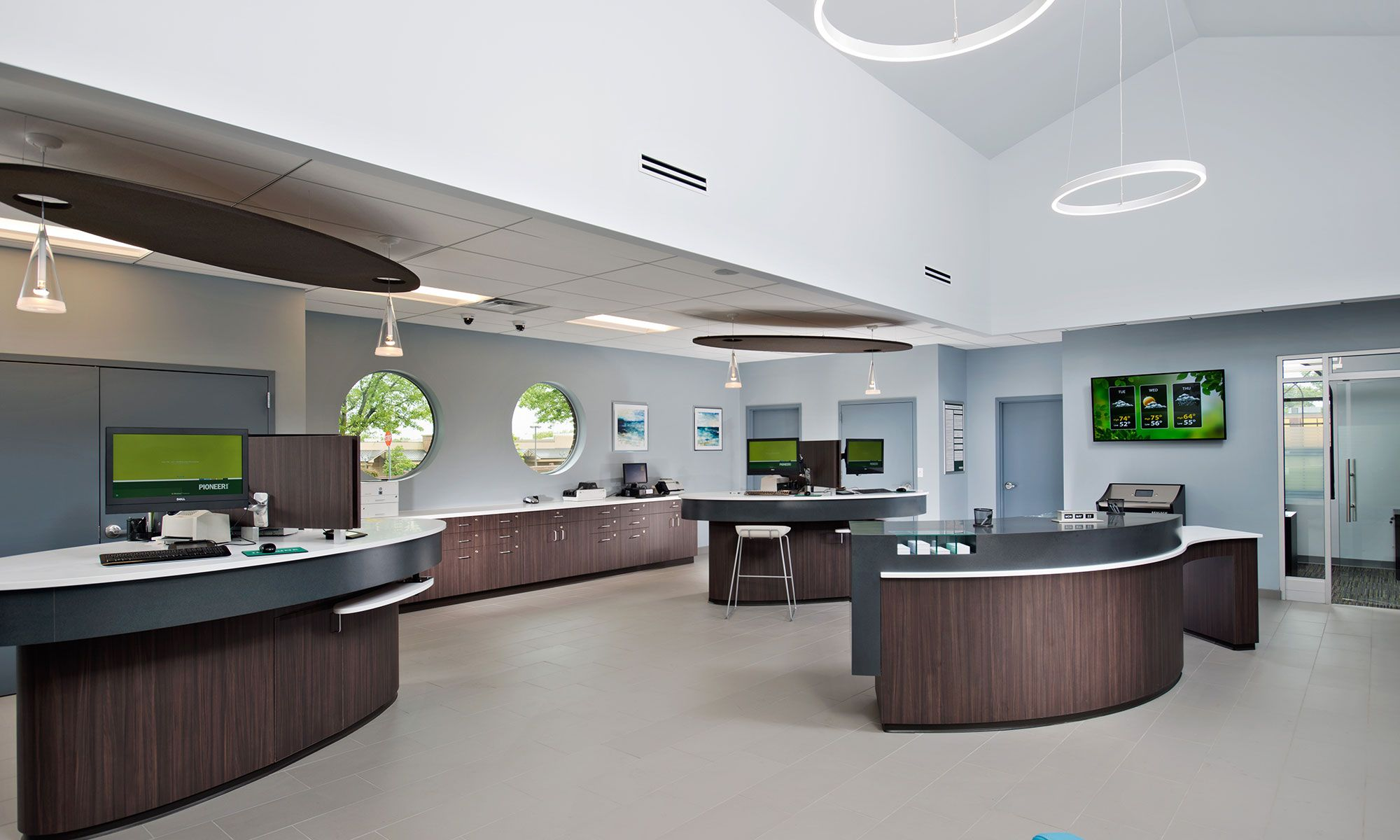
Banks use digital displays to share real-time rates, broadcast news, or improve branch efficiency.
Examples:
- Loan or interest rate displays
- Investment dashboards
- Queue management
Read more: Digital Signage for Banks and Financial Institutions
Education
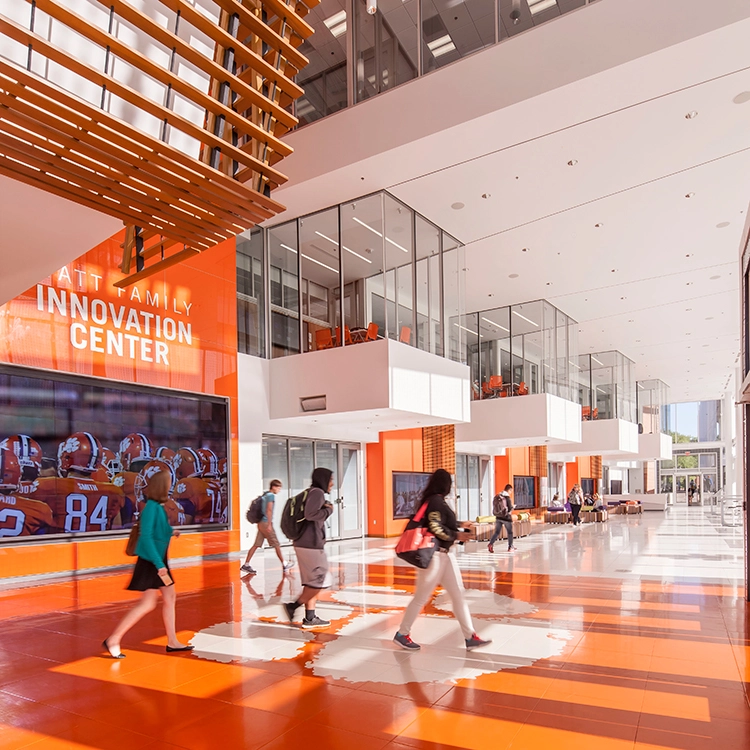
Schools and universities use signage for announcements, scheduling, and wayfinding.
Spots to install:
- Campus entrances
- Lecture halls
- Dining halls
Read more: Best Quotes to use on your School Digital Signage
Religious Organizations
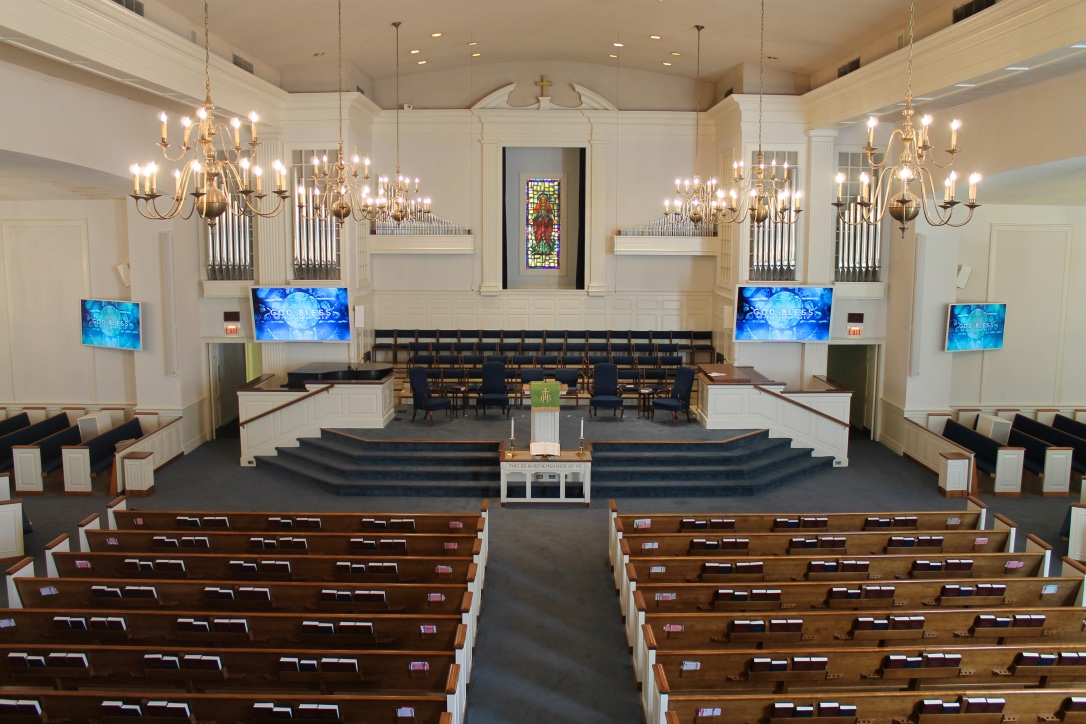
Digital signage helps churches and community centers communicate updates, service times, and fundraising goals.
Typical usage:
- Lobby welcome screens
- Event announcements
- Sermon visuals
Read more: Digital Signage for Churches
Transportation

Transit hubs rely on digital signage for wayfinding, real-time departures, and advertising.
You’ll find it in:
- Airport terminals
- Subway platforms
- Bus and train stations
Read more: Digital Signage for Airports
How Do You Create Content for Digital Signage?
Effective signage content isn’t just pretty - it’s purposeful.
What makes content effective?
- Clear visuals and text hierarchy
- Short, digestible messages
- Motion or animation to draw attention
- Real-time updates from integrated data feeds
Your CMS should let you:
- Customize layouts
- Schedule by location or time
- Preview updates before publishing
- Set permissions for different users
Interactive signage adds another layer - like product selectors, maps, or check-in systems.
Pro tip: Think of your content like a mini billboard. Grab attention fast, then deliver value in seconds.
Is Digital Signage a Good Fit for My Organization?
Ask yourself these questions:
- Do we need to communicate with people in physical spaces?
- Are we updating printed signs or posters often?
- Would real-time data displays improve operations or customer experience?
- Do we want to reduce content update times across locations?
- Are we trying to increase brand awareness, engagement, or conversions?
If you said “yes” to most of these, digital signage could be a strong investment.

How Can I Get Started with Digital Signage?
Step 1: Define your goal
Do you want to drive sales, improve internal communication, or enhance customer experience?
Step 2: Choose your screen locations
Think high-traffic areas—lobbies, dining areas, storefronts.
Step 3: Pick the right hardware
Use commercial-grade displays, players, and mounts built for 24/7 performance.
Step 4: Select a CMS that fits
Look for one that’s easy to use, scalable, and integrates with your existing tools.
Step 5: Start small, scale smart
Launch a few screens first. Test content. Refine. Then expand your network.
Why Choose Wallboard for Digital Signage?
Wallboard is a cloud-based digital signage CMS built to make content creation and device management easier - no IT team required.
Here’s what you get with Wallboard:
- Easy drag-and-drop editor
- Support for interactive and dynamic content
- Scalable deployment across 1 or 1,000 screens
- Real-time data integration (from sales tools, calendars, weather, and more)
We support a wide range of hardware, including BrightSign, Android, and SoC displays - giving you total flexibility for your setup.
Ready to See What Digital Signage Can Do?
Digital signage isn’t just a flashy screen - it’s a smarter way to communicate. Whether you're a restaurant owner, IT manager, or corporate comms director, there’s a way to make it work for you.
Let’s talk about your goals and help you build the perfect signage solution.
👉 Schedule your free consultation with Wallboard today
.png)